
Pinch to zoom · Two-finger rotate & tilt · Tap Export PNG for 16:9, 9:16, or 1:1.
Free · No Login · Real-World OpenStreetMap 3D Geometry
GTA My City — Turn your city into a GTA-style 3D map
Search any real city, style it as a neon or tactical 3D map, drop mission pins, and export a wanted-HUD PNG. Free, no login. Every road, bridge, coastline, and extruded skyscraper comes from real-world OpenStreetMap data—never AI hallucinations and never an official Rockstar Games map like Leonida, Vice City, or Los Santos.
Featured Real-City Presets
Jump straight into hand-framed 3D camera angles with unique landmark notes for each city.
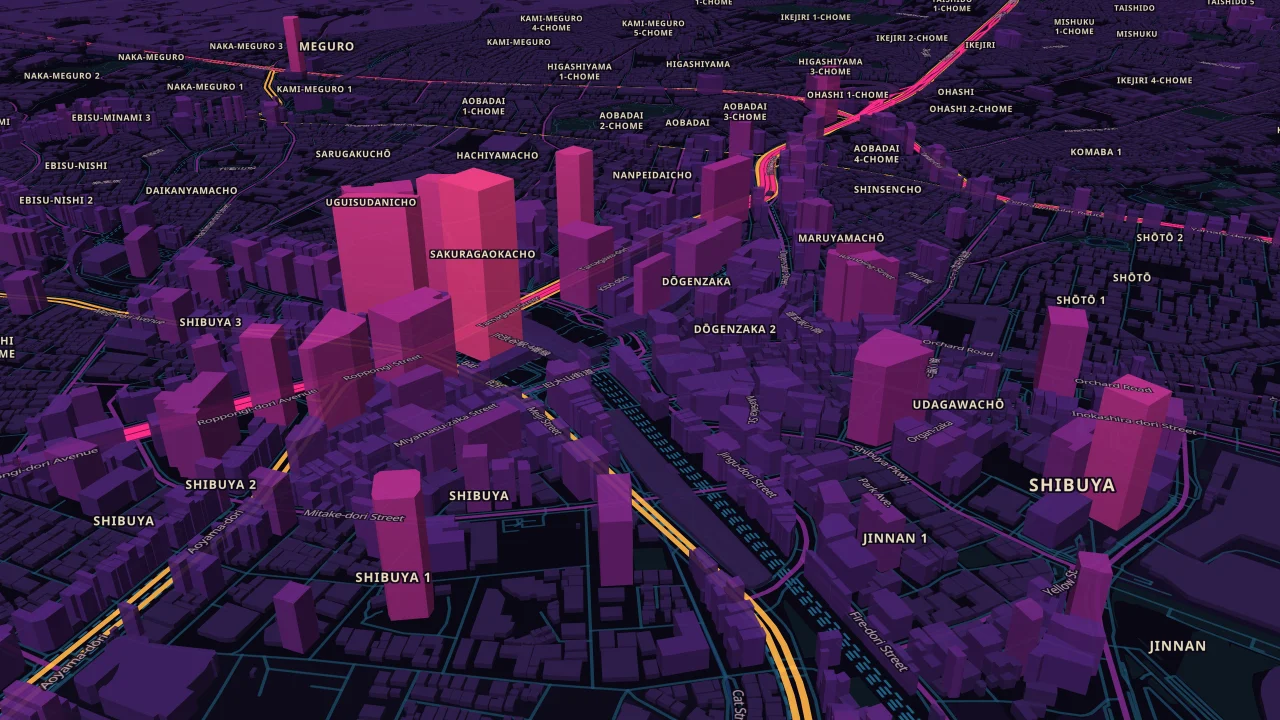
Japan
Tokyo
Shibuya Scramble crossing, Dogenzaka slope, and Shinjuku towers in neon relief.
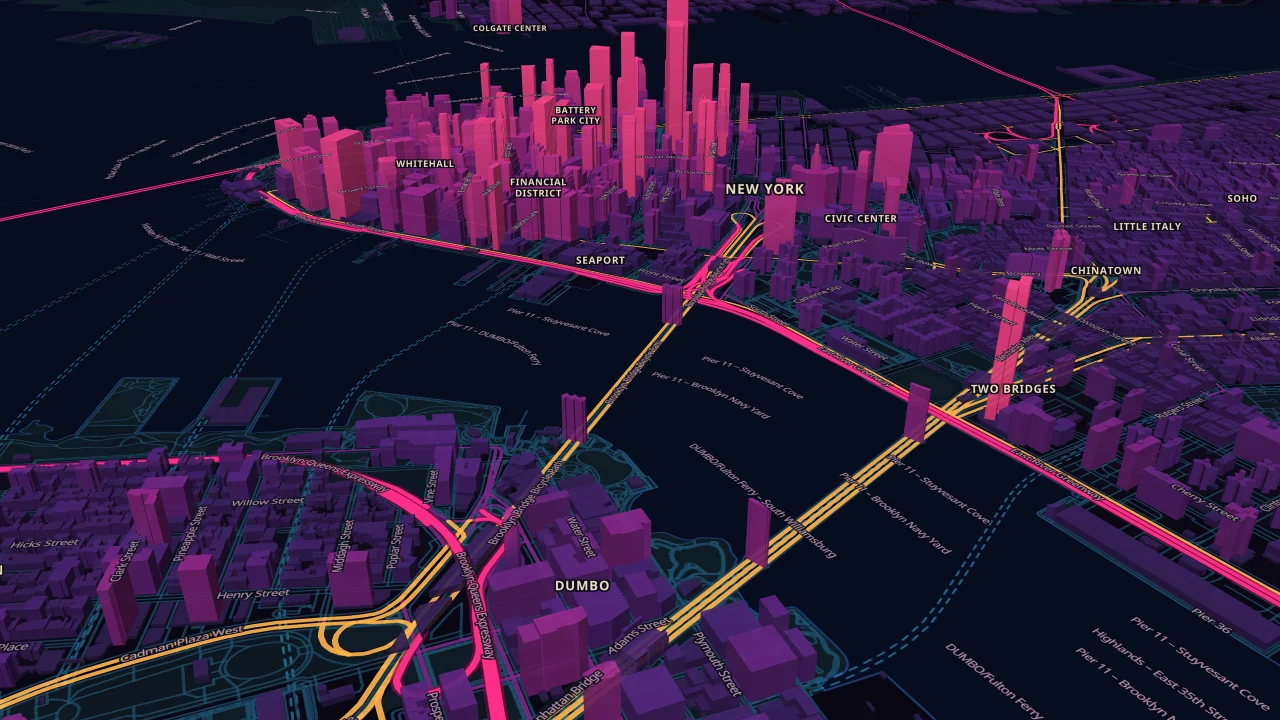
United States
New York
Brooklyn Bridge approach into Lower Manhattan, Midtown avenues, and Central Park South.
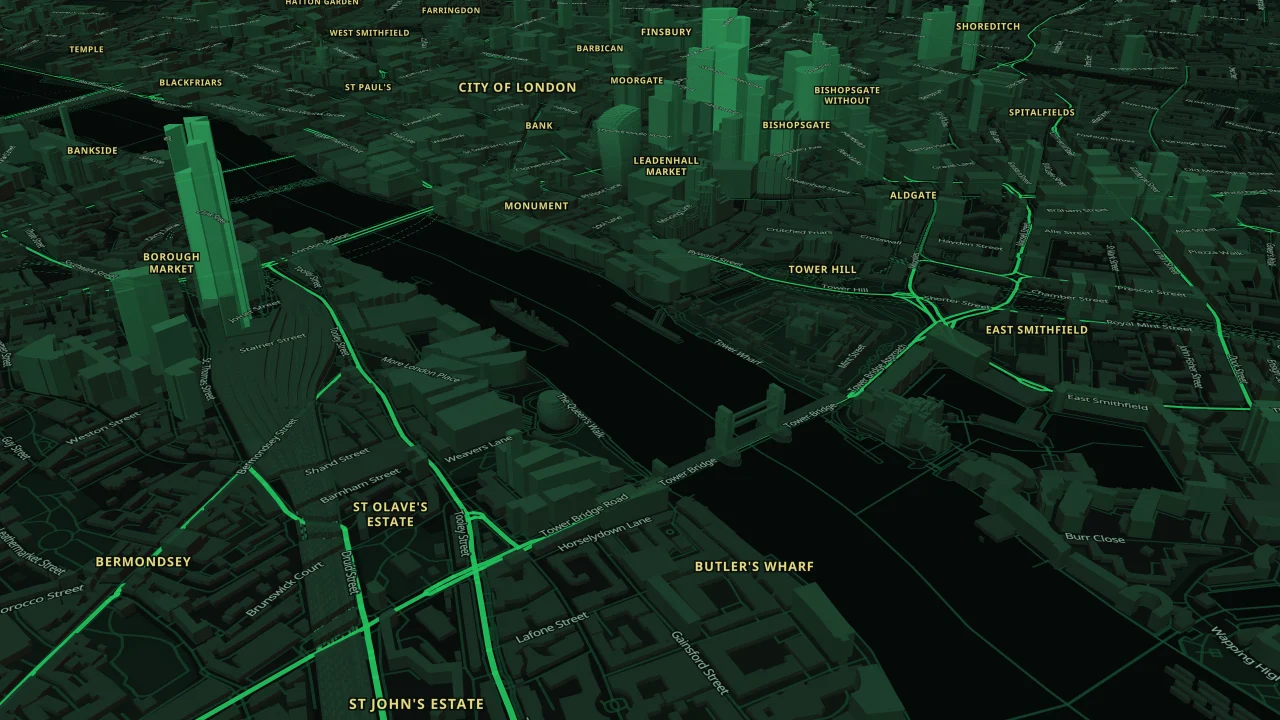
United Kingdom
London
River Thames bend, Tower Bridge crossing, The Shard, and City of London high-rises.
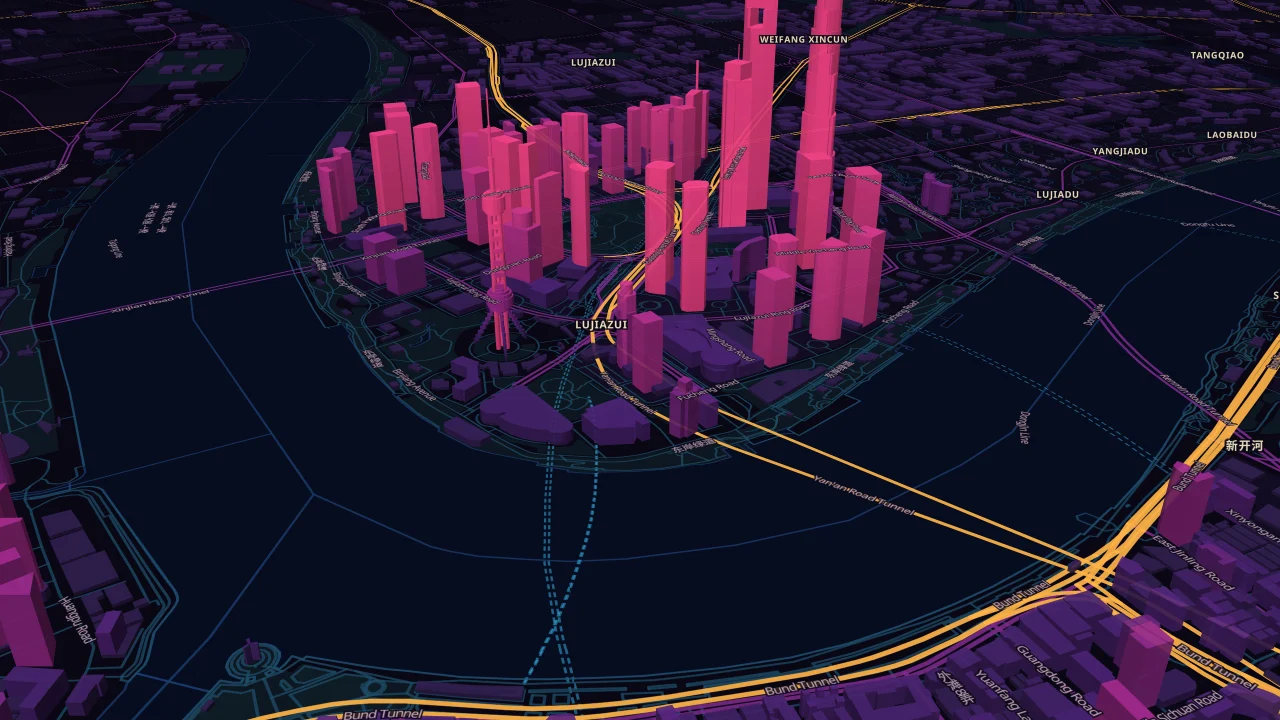
China
Shanghai
Looking east from The Bund across the Huangpu River into Lujiazui’s supertall skyline.
France
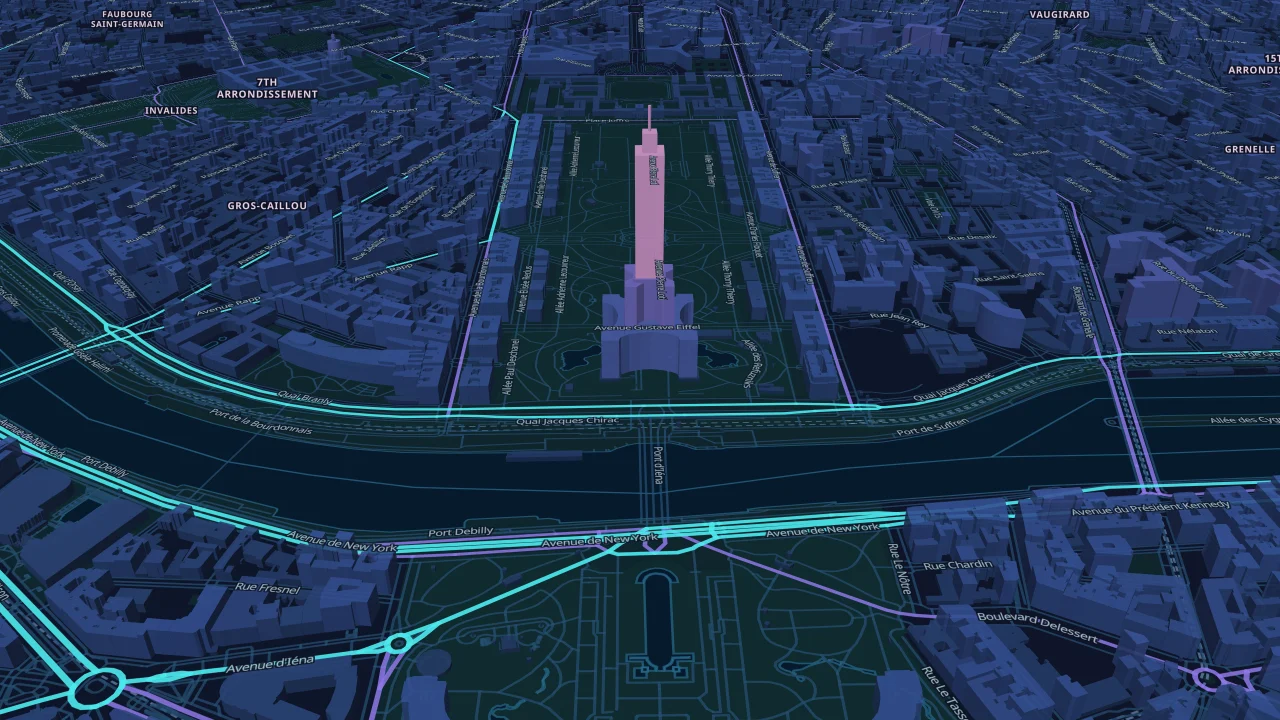
Paris
Eiffel Tower axis, Seine River curve, Île de la Cité, and Haussmann star avenues.
United States
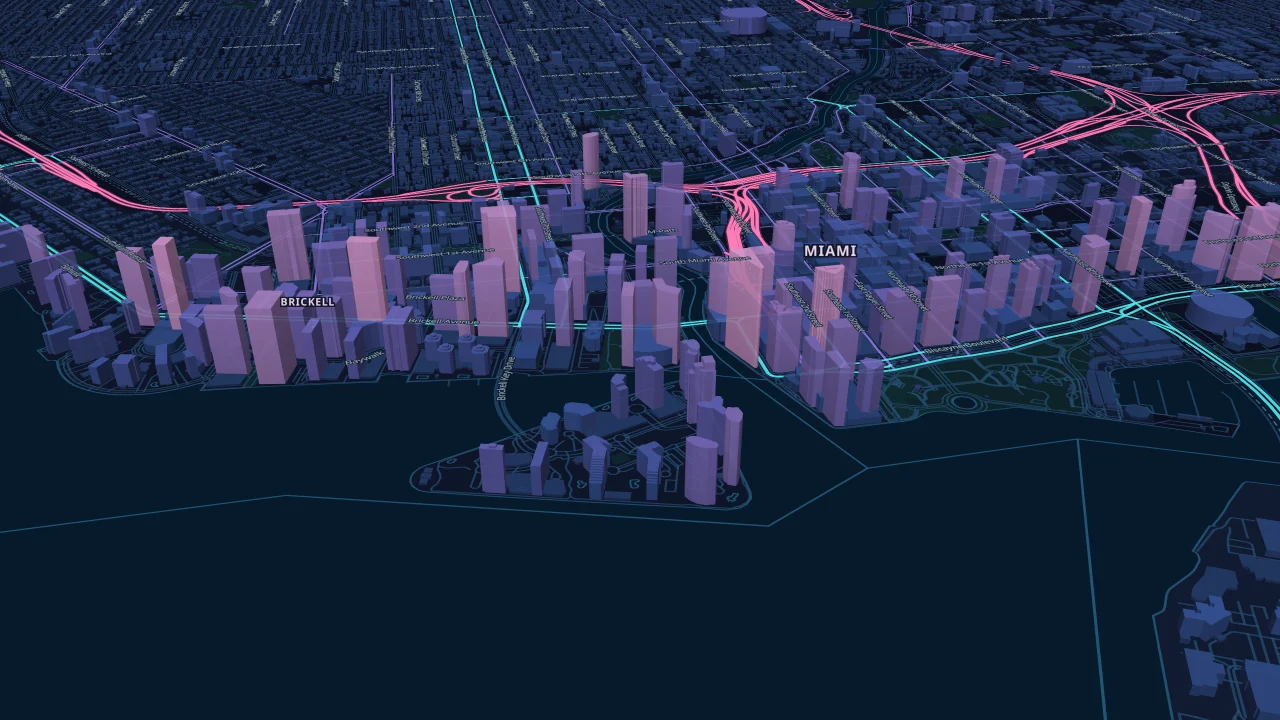
Miami
Real-world Brickell waterfront, Biscayne Bay causeways, and South Beach grid—not Vice City.
China
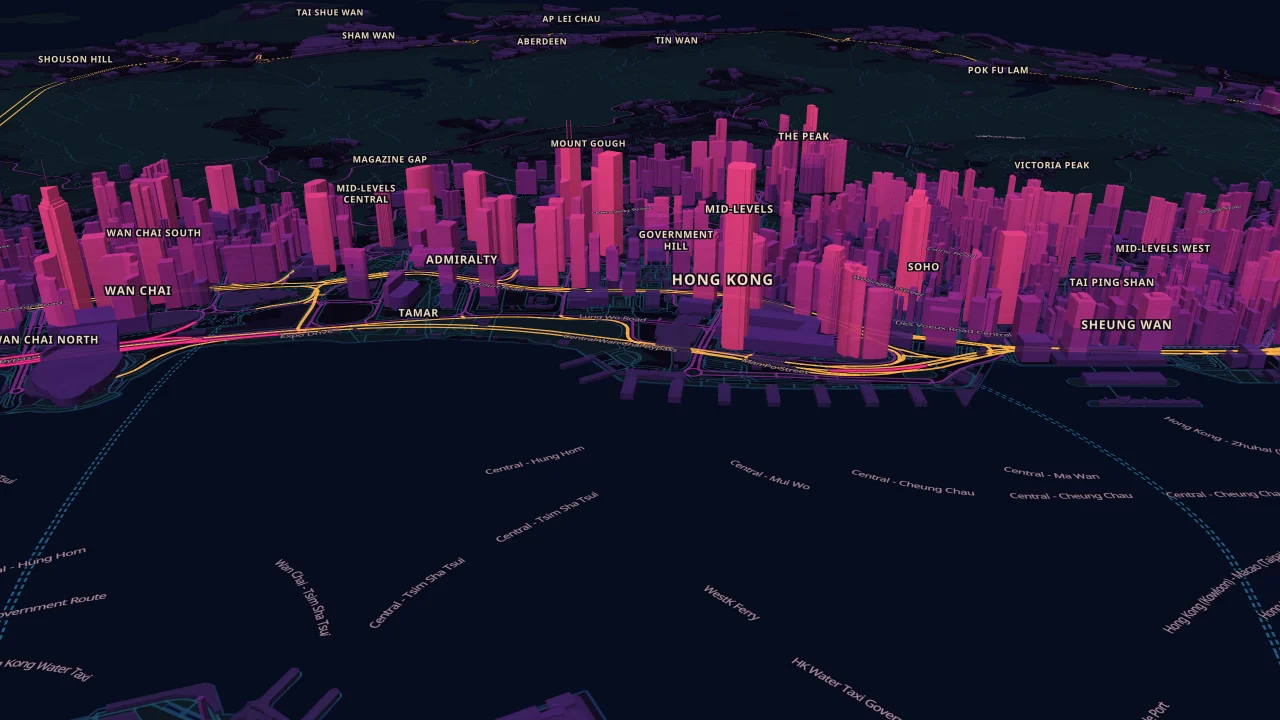
Hong Kong
Victoria Harbour from Tsim Sha Tsui promenade toward Central IFC and Mid-Levels.
United States
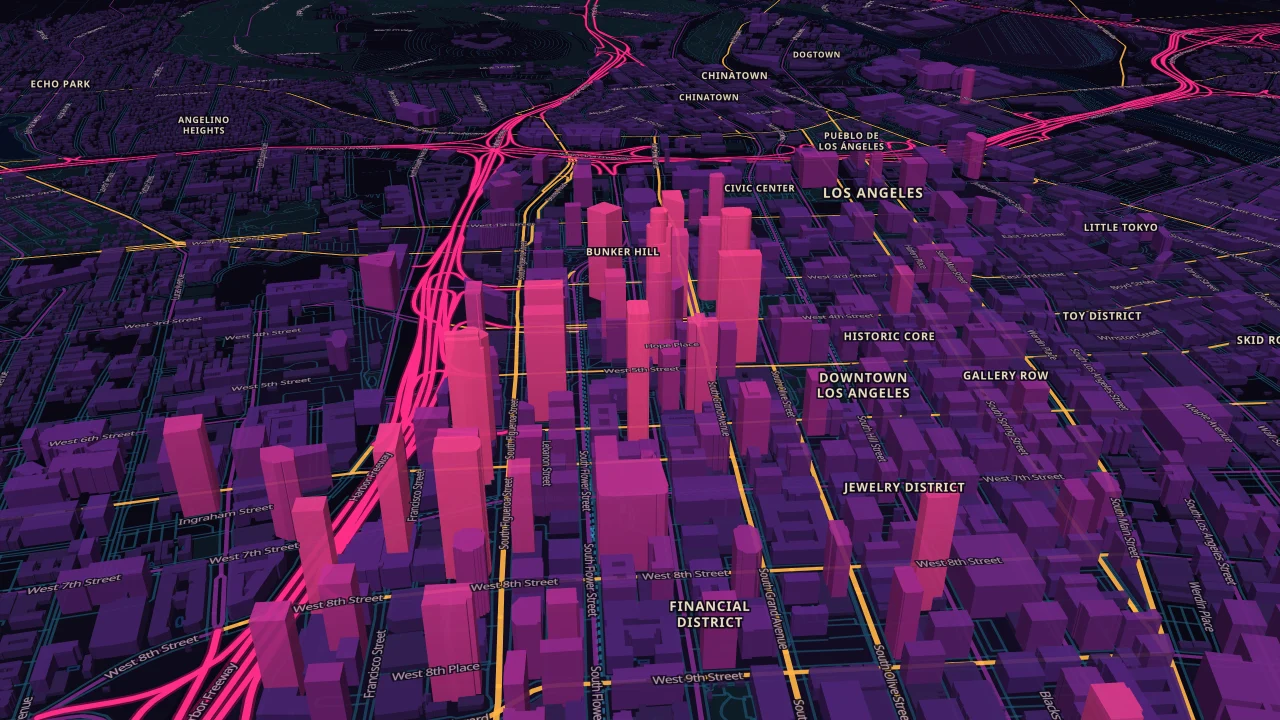
Los Angeles
Real-world Downtown LA Financial District, freeway interchanges, and Santa Monica Pier—not Los Santos.
01 / SEARCH
Pick Any Real City
Type your hometown or destination and press Enter—or tap a preset city—to fly directly to accurate OpenStreetMap buildings and roads.
02 / STYLE & PINS
Tilt, Theme & Mark Waypoints
Rotate and tilt the 3D skyline, pick Neon Dusk, Pastel Night, or Tactical Grid, and drop draggable Safehouse, Heist, and Mission pins.
03 / EXPORT PNG
Download Social-Ready PNGs
Toggle the 5-star Wanted HUD and city title, wait for clean tile idle, and export watermark-free 16:9, 9:16, or 1:1 PNGs in your browser.